

OpexFlow
Enterprise Suite · Engineered for Industry 4.0
OpexFlow is the integration layer between the plant floor and the back office. It reads machines in their own protocols, turns a production order into jobs for coding printers, receives signed payment notifications and posts to NetSuite or another ERP API. With the durable queue on, each record is written to disk before it is sent, and a record the receiver rejects lands in a dead-letter queue you can correct and replay. It ships as one binary under 60 MB with the flow editor built in, and runs on a Raspberry Pi, Linux, Windows or macOS.
At a glance
Watch OpexFlow in Production
A walkthrough of OpexFlow in use.
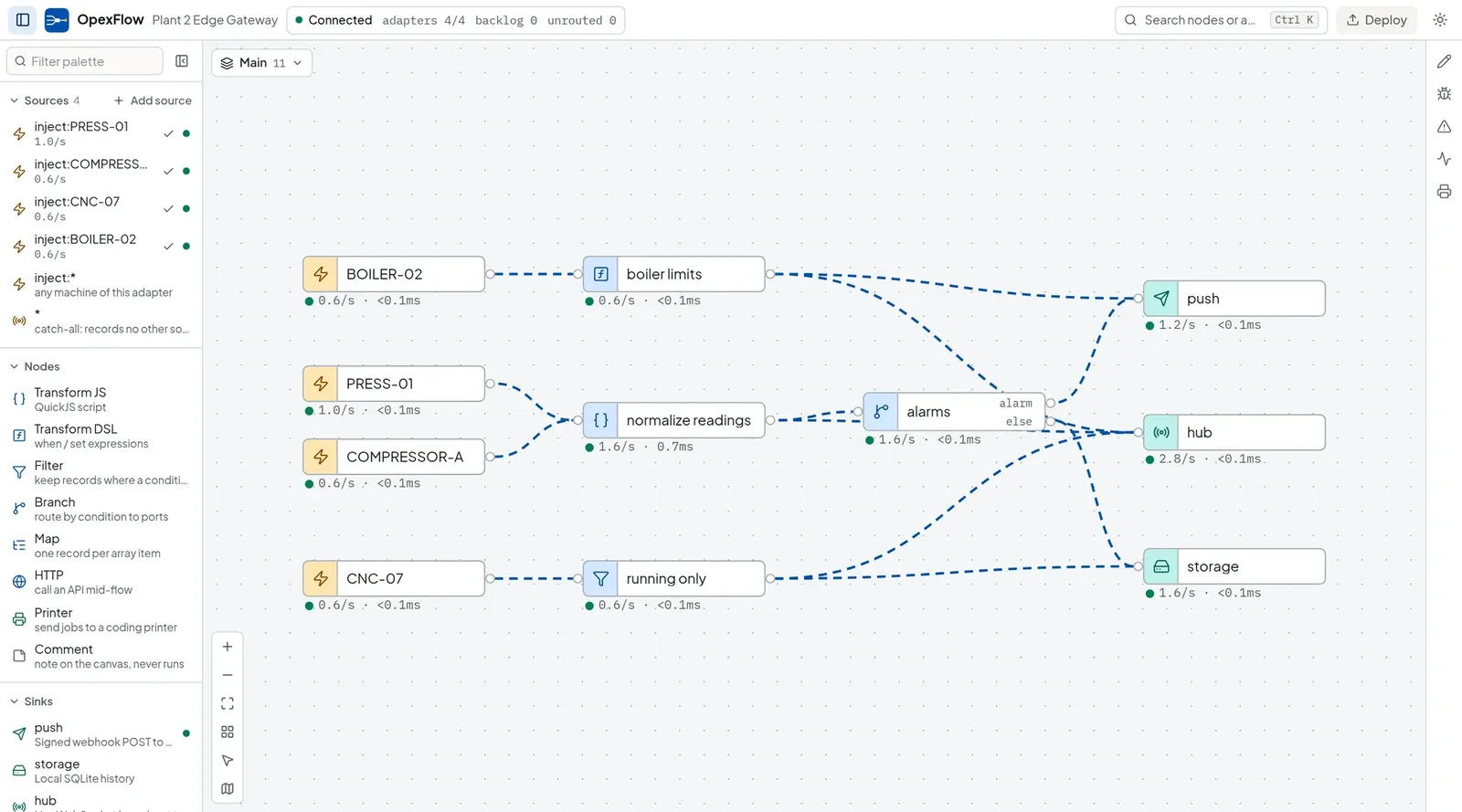
Engineered for Factory-Floor & Executive Precision
Every feature is designed to reduce friction between physical floor events and enterprise business systems.
Reads Modbus TCP and RTU, EtherNet/IP, OPC-UA, Fanuc FOCAS, MTConnect, MQTT and NATS JetStream
Drives Markem-Imaje, Hitachi, Videojet, Domino, Zebra, TSC and SATO printers from a production order, with a job log
Posts to NetSuite with token-based auth or OAuth 2.0, and to other ERP and REST APIs, with read-only and sandbox-only modes until cut-over
Receives signed webhooks from DOKU, GlobalTix and any HMAC-SHA256 sender, with an optional IP allowlist
Stores each record before the first send, delivers in order, retries with backoff and signs every push with HMAC
Dead letters you can edit, replay or discard, with every action audited
Daily reconciliation: ledger and reconcile nodes report what only one side booked, with a CSV for finance
Production UI Previews
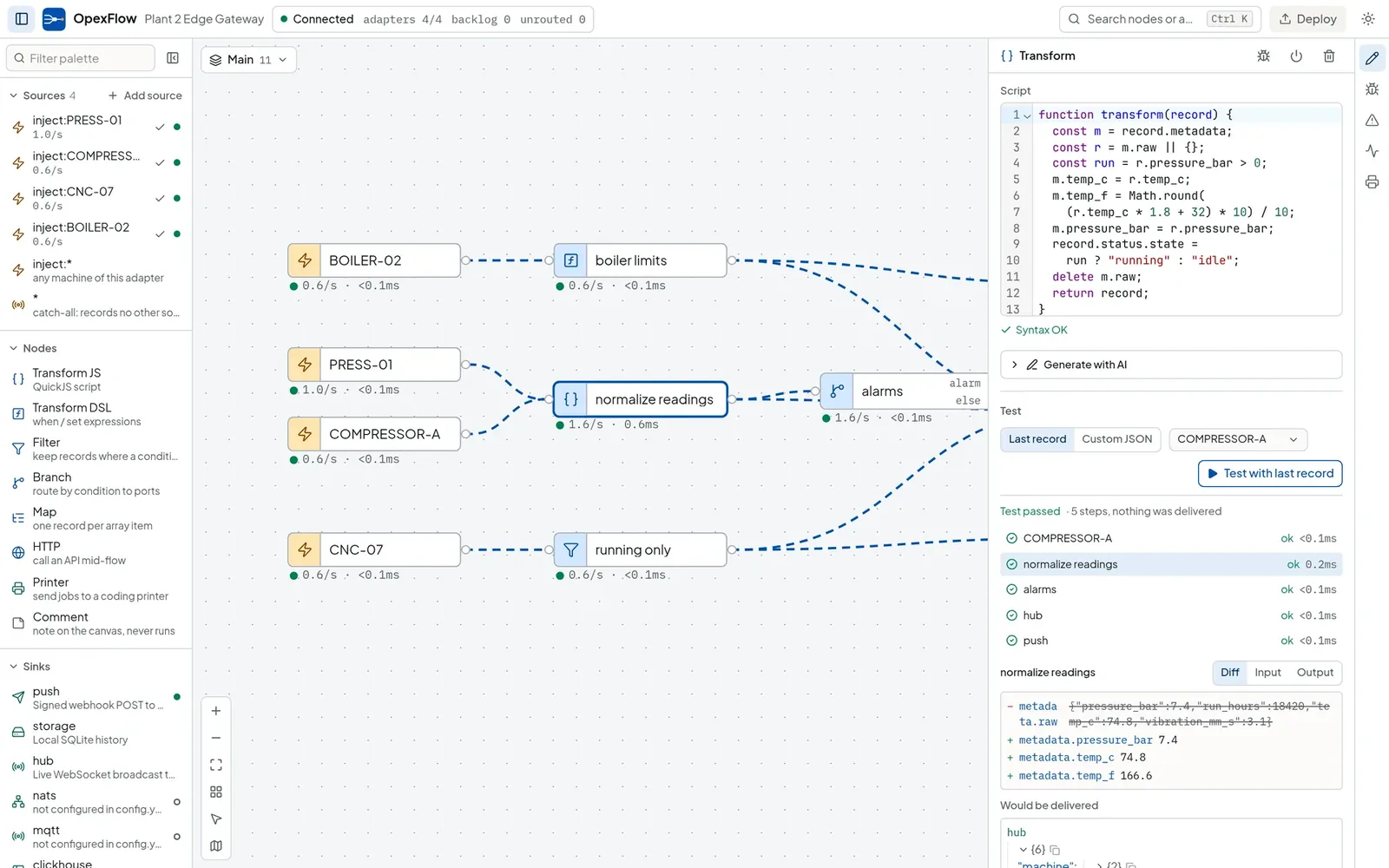
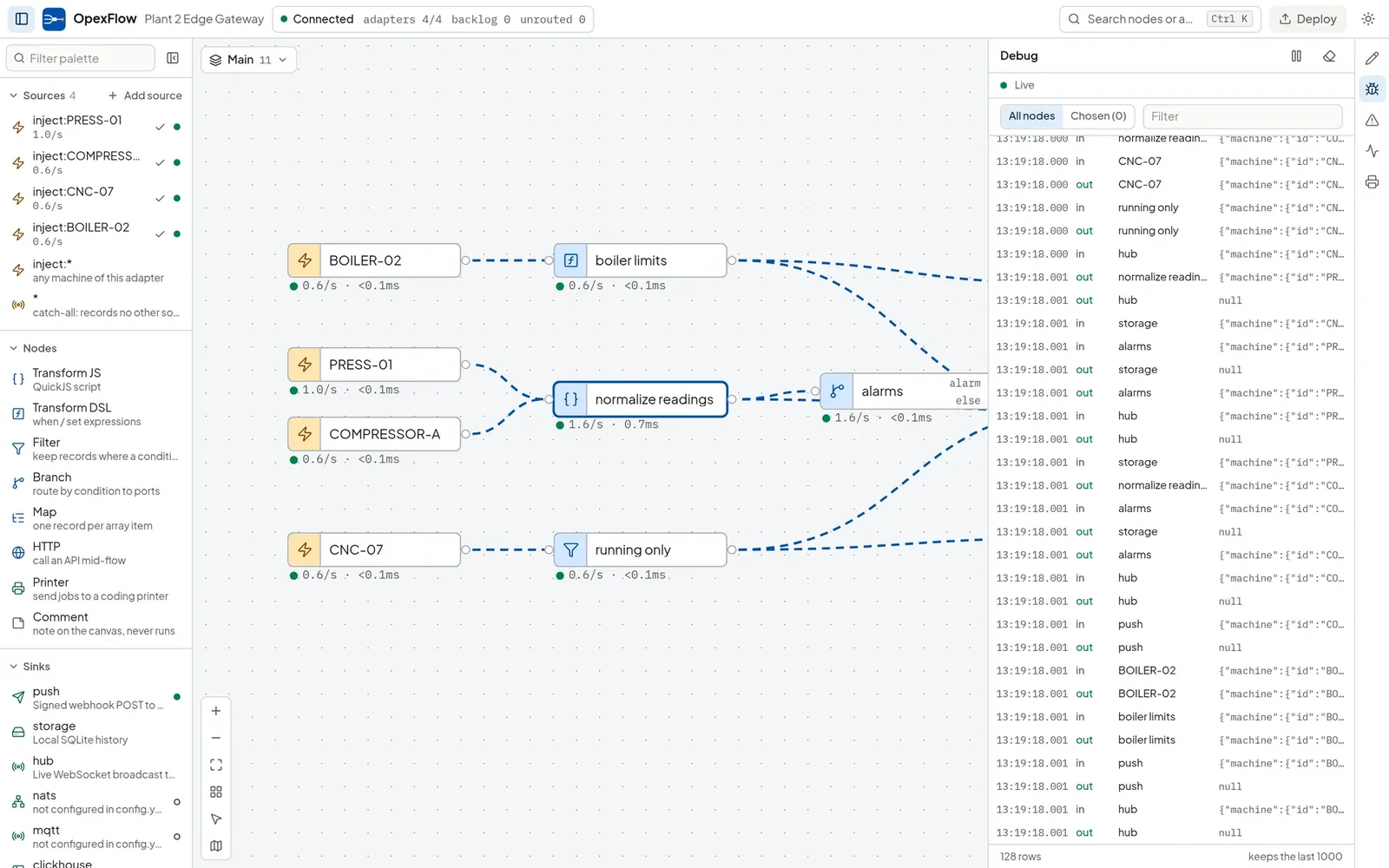
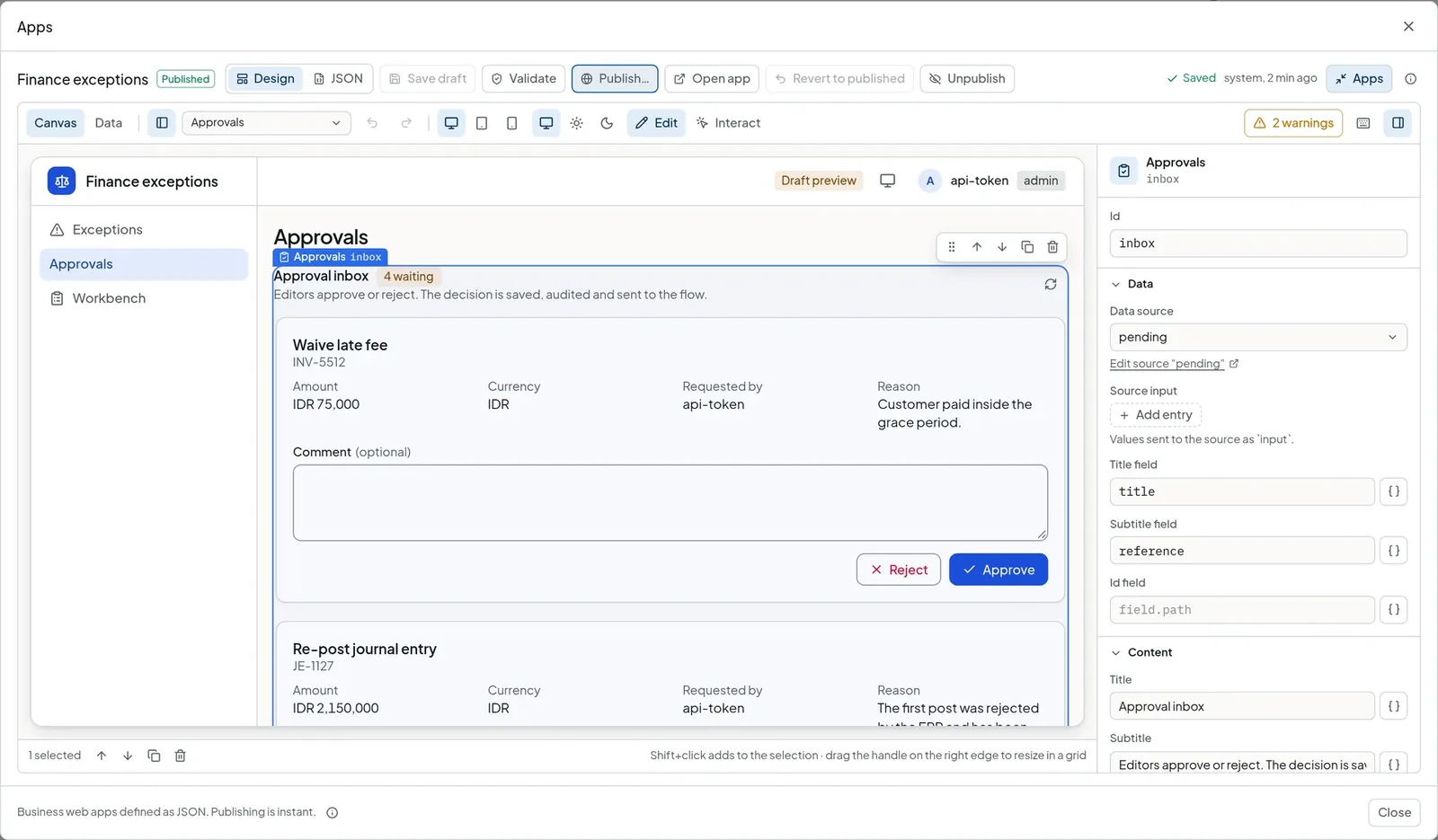
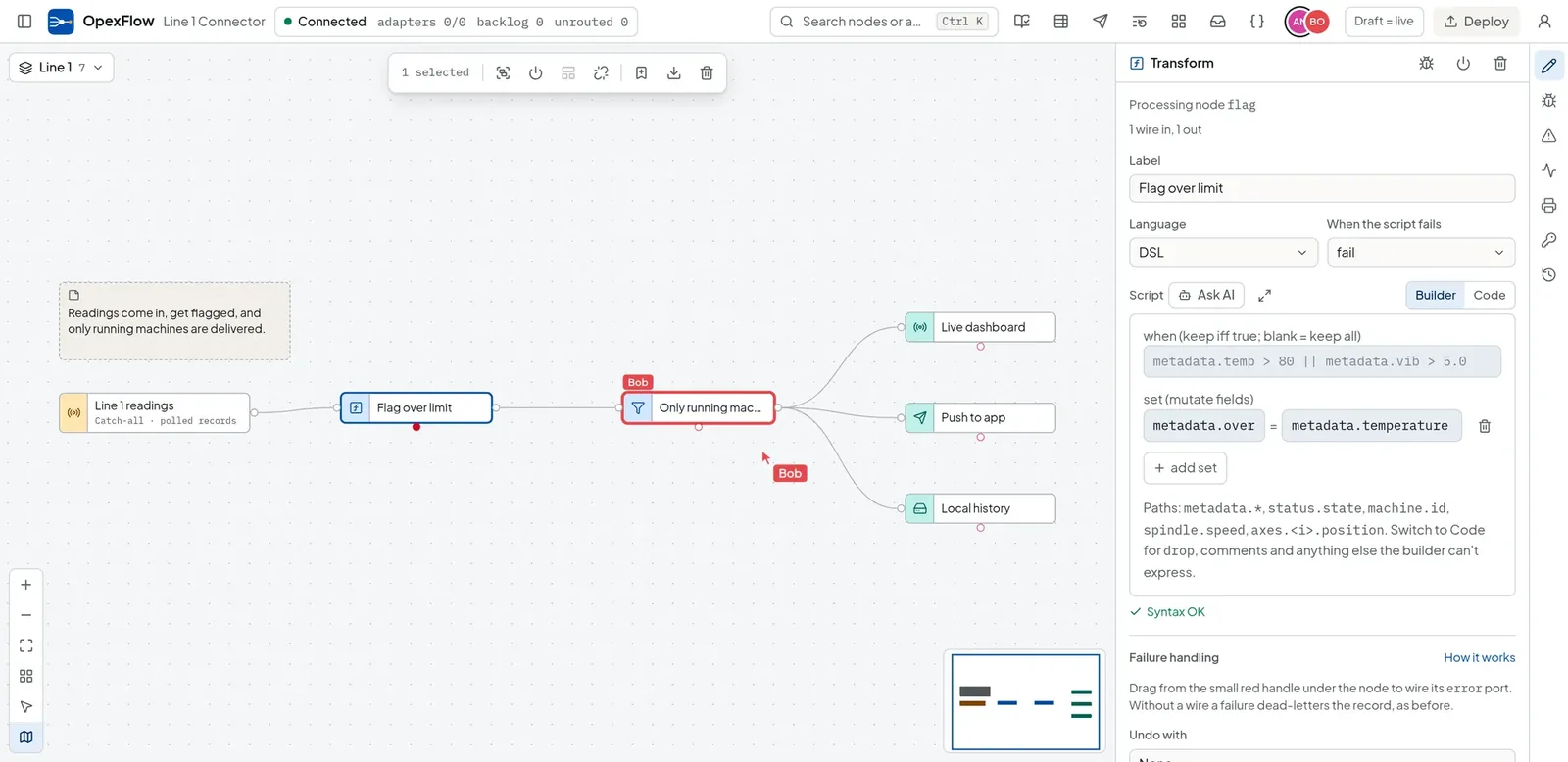
Small enough to ship
One executable with the editor embedded. No Node.js, no database server, and Docker is optional.
Linux x86_64 and ARM64, Windows, macOS
Markem-Imaje, Hitachi, Videojet, Domino, Zebra, TSC, SATO, EOT-SUM and ASCII line input
Signed webhook, NATS, MQTT, SQLite history, ClickHouse and Postgres
What happens when a delivery fails
Each step below is how the OpexFlow delivery queue behaves when it is enabled.
Each record is written to a SQLite file before the first send, so a crash between produced and sent loses nothing. The durable queue is opt-in; without it the retry buffer lives in memory.
A failed row sets a retry deadline and later rows wait behind it. Timeouts and 408, 429 and 5xx answers back off exponentially, capped at 300 seconds.
A permanent rejection moves the row to a dead-letter table. You inspect it, edit it, replay it or discard it, and every action is audited.
After a timeout the receiver can see a record twice. Batches carry an X-Batch-Id, and a dedupe node drops repeats before they reach the ERP.


